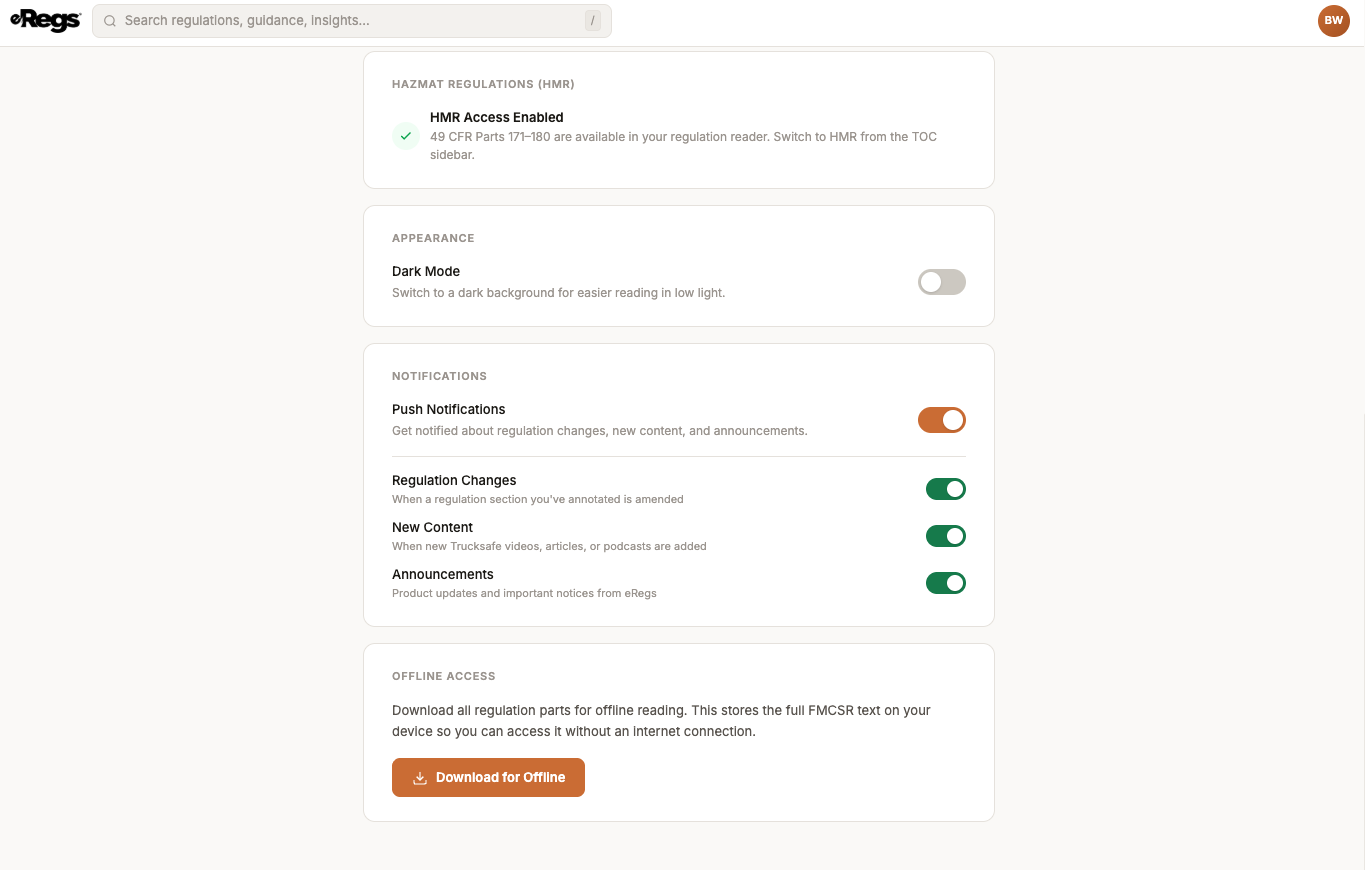
eRegs lets you download the full regulation text to your device so you can read without an internet connection — useful for drivers in areas with poor cell coverage or anyone who wants guaranteed access.
How to download regulations for offline use
- Tap your avatar in the top-right corner and select Account.
- Scroll to the Offline Access section.
- Tap Download for Offline.
- A progress dialog shows each part being downloaded. Wait for it to complete.
How offline caching works
- Regulation data is stored in your browser's IndexedDB storage — it stays on your specific device and browser.
- As you browse eRegs normally, sections you visit are automatically cached. The manual download ensures all parts are available, not just the ones you have visited.
- When you reconnect to the internet, eRegs automatically checks for updates and refreshes any sections that have changed.
What works offline
- Reading regulation text and navigating the Table of Contents.
- Viewing and creating highlights, notes, and bookmarks (they sync when you reconnect).
What requires a connection
- Search.
- FMCSA guidance and Trucksafe videos/articles/podcasts.
- Account management, billing, and fleet operations.
Limitations
- Storage is per-device and per-browser. Downloading on your phone does not make content available on your tablet.
- Browser storage limits vary. If your device is low on storage, some data may be evicted by the browser.
- For the best offline experience, install eRegs as a PWA (see Installing eRegs on Your Mobile Device).
- Annotations created offline will sync automatically the next time you are online.